How to Set Up Camp Monster Hunter Wilds: Step-by-Step
Setting up a camp in Monster Hunter Wilds is one of the most underrated skills in the game. A well-placed camp isn’t just a cosmetic base — it’s a fast travel anchor, a resupply point, and a safe recovery zone that can shave minutes off every hunt. Whether you’re chasing a Doshaguma across a canyon or prepping for a storm-soaked expedition, knowing exactly where and how to deploy your camp gives you a serious edge.
This guide covers the full camp setup process: unlocking the feature, choosing a defensible location, deploying the kit correctly, configuring camp functions, and troubleshooting common failures. By the end, you’ll have a repeatable system for every region in the game. For more on this, see our guide on how to make a garden step by step.
Why Camp Placement Matters in Monster Hunter Wilds
Camps serve as your field headquarters. They reset your tactical position without forcing you back to a base settlement. In practice, a camp placed near a monster’s patrol route can cut travel time by several minutes per hunt, which adds up across a long session.
A camp provides four core benefits:
- Fast travel anchor — return to a targeted zone quickly instead of running across the entire map.
- Loadout control — restock potions, traps, ammo, and coatings without abandoning the hunt.
- Recovery window — heal, sharpen, and reset after a cart or a rough exchange.
- Route planning hub — intercept wandering monsters and avoid environmental hazards more efficiently.
Think of camps as coverage points. One camp near a cliff or watering hole shortens gathering loops. Another near a monster’s frequent travel corridor lets you warp in, grab supplies, and re-engage before the trail goes cold. If you’re after a fast-moving target that rotates between biomes, placing a camp at the “bridge” zone between them can be the difference between a clean capture and a failed quest. For more on this, see our guide on how to upgrade camp rdr2.
For the latest patch notes, event schedules, and any changes to camp mechanics, check the official Monster Hunter Wilds website. Capcom regularly updates the game, and camp interactions occasionally receive balance tweaks.
Prerequisites: Unlocks, Materials, and Map Preparation
Before you can place a camp, you need to make sure the feature is actually available in that region. Monster Hunter Wilds gates camp deployment behind story progression and regional surveys. You may need to complete early assignments, clear a specific monster, or finish a short NPC request chain before the camp kit becomes usable. For more on this, see our guide on how to start a summer camp.
What to Check Before Leaving Base
- Region unlock — confirm the area allows camp placement. Some early game zones are restricted until you progress the main story.
- Camp kit — you need the appropriate camp kit item in your inventory. Forgetting it means a wasted trip back to base.
- Basic materials — camp construction may require region-specific materials such as ore, bones, or plants. Open the build menu to see the exact list.
- Support items — bring rations, potions, traps, and at least one utility item (flash pods, dung pods, or a capture tool) so the camp can serve as a full restock station.
Scout the Map First
Map preparation matters more than most players expect. Reveal key paths, mark environmental hazards, and identify “quiet” pockets away from frequent large-monster collisions. A storm-prone area needs a sheltered alcove near a main traversal route, not an exposed ridgeline. Use your map markers to note gathering nodes; those areas are useful for resupply, but don’t build directly next to them because roaming monsters often path near resource clusters.
A common mistake is rushing to place a camp the moment you unlock the kit, then discovering it’s in a monster’s patrol lane. Spend two minutes scouting first — it saves ten minutes of frustration later. For more on this, see our guide on best steak to grill for beginners.
Choosing a Safe Camp Location: Terrain and Threat Assessment
A “good” camp location isn’t just convenient; it’s one that stays quiet under pressure and keeps travel time low. The best spots combine natural barriers, clean exits, and distance from active threat zones.
Read the Terrain
Natural barriers reduce surprise aggro and give you cleaner escape routes when a hunt turns messy. Open flats look tempting, but they expose the camp to line-of-sight pulls and patrol paths. Look for:
- A wall or large rock behind the camp to cut approach angles.
- Slight elevation for visibility and faster disengage routes.
- Narrow choke points nearby for controlled escapes — but never build inside them.
- Distance from water edges if local monsters patrol shorelines or if mud slows your sprint.

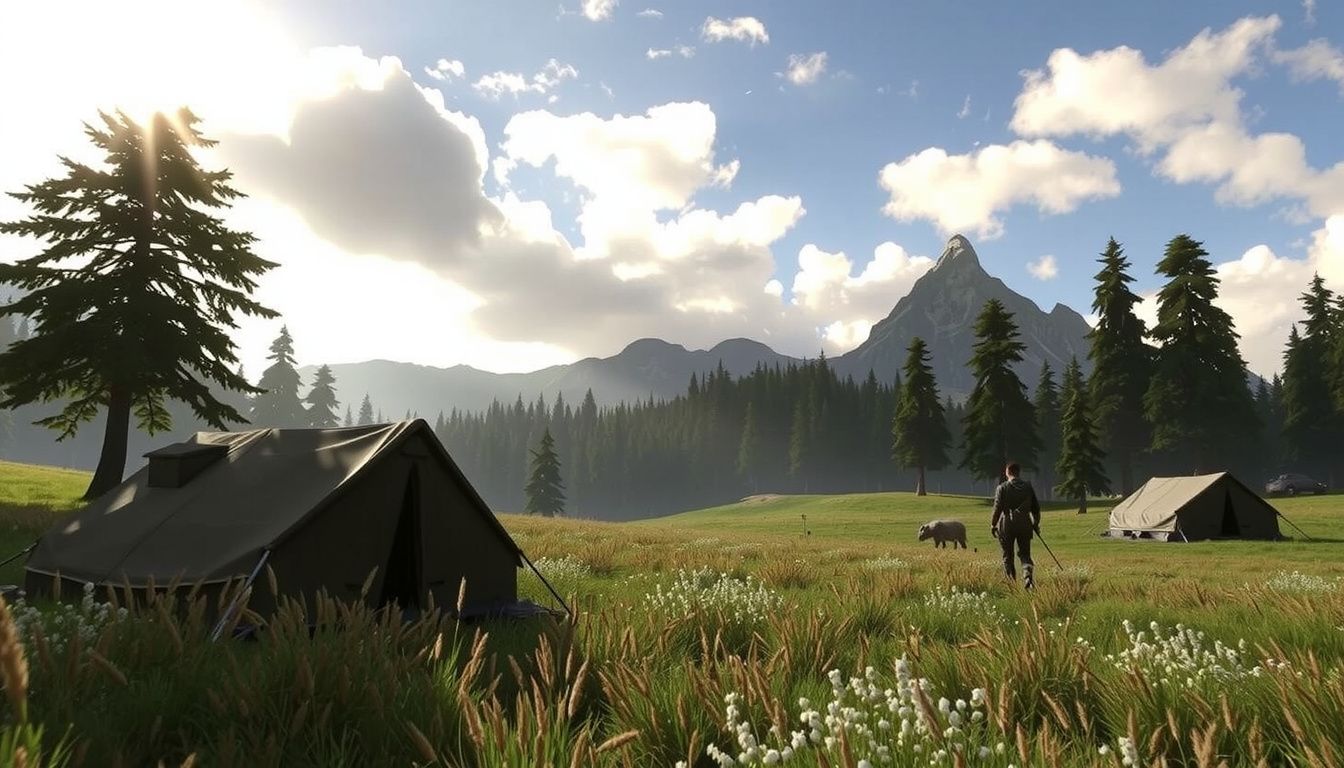
A camp backed against a boulder cluster reduces approach angles and keeps it out of patrol paths.
Assess Threat Cues
Pay attention to the environment before you commit. Watch for frequent small-monster spawns, fresh tracks, and repeated roar audio lines that signal nearby routes. If the area experiences regular storms or sand gusts, avoid ridgelines that force constant stamina drains. In practice, many players underestimate how quickly a large monster can wander into an open flat camp. A tucked-away location behind a rock cluster is far less likely to be discovered. For more on this, see our guide on best bbq for pizza.
For example, if you’re hunting near a canyon where a large wyvern loops every few minutes, place your camp behind a boulder cluster one zone off the loop. You’ll still cut the run back to the target, but the camp remains intact between engagements.
Step-by-Step: Deploying Your Camp Kit
Once you’ve picked a defensible spot, placement itself is straightforward — but small positioning errors can cause big headaches. Follow these steps for a clean deployment.
- Equip the camp kit from your inventory or item bar.
- Stand where you want the entrance to face. Rotate the kit so exits point toward the safest open route, not toward a wall or cliff.
- Sweep the camera around the ground to confirm a stable, valid surface. If the placement indicator flickers, the slope is too steep or the area is clipping into roots, rubble, or ledges.
- Check overhead clearance. Low branches and rock overhangs can block interaction prompts and make the camp feel cramped.
- Verify nearby patrols aren’t crossing the build zone. Wait a few seconds and watch for small monsters or roaming large monsters before finalizing.
- Place the kit and run a quick loop test. Walk from camp to the nearest landmark and back. If you snag on terrain even once, reposition immediately.
Treat the build zone as a small operating footprint. If the camp spawns you facing a cliff or forcing a drop, you’ll lose seconds every return trip and risk getting tagged on exit. A clean entrance with a short, unobstructed sprint line is the goal.
Configuring Camp Functions: Rest, Cook, and Item Management
A placed camp only becomes useful when you use its functions efficiently. Treat it like a loadout console, not a scenic checkpoint.
Rest Cadence
Rest at camp to stabilize conditions before committing to a long track. Don’t wait until your resources are already drained — rest proactively when stamina management has been sloppy or your team’s consumables are out of sync. Resting resets your status and gives you a clean slate for the next engagement.
Cooking for the Right Buffs
Cook right before departure so your meal buffs cover scouting, tracking, and first contact. Match the meal to the objective:
- High-mobility chase → prioritize stamina-friendly options.
- Bruiser monster → bias toward defense and survivability.
- Capture mission → consider utility buffs that improve trap or status effectiveness.
Item Management Rule: Refill, Then Specialize
Restock core healing and utility items first, then swap in niche tools based on the target’s behavior. After a muddy-area hunt that burned through Cleanser and traps, restock those two items first, cook for stamina, then swap one bomb slot for an extra trap before re-engaging. This prevents the frustrating moment of arriving at a monster with an empty pouch.
Fast Travel and Route Planning From Camp
A camp only pays off if you move from it efficiently. Set fast travel habits and a repeatable route plan that reduces dead running and avoids known threat lanes.
Start by marking two anchors: the camp itself and the most likely contact zone for the target. From there, build a short loop that hits gathering nodes and sightlines without committing to narrow choke points.
- Fast travel back to camp to reset supplies instead of limping to the next zone under pressure.
- Route plan using terrain: use ridges for visibility, open flats for mounts, and cover for healing windows.
- Keep a fallback path that avoids large monster patrol corridors when retreating.

Use high ground to scout a safe route before dropping into a monster’s zone.
Timing matters too. If a monster tends to relocate after an enrage, pre-select the next likely zone and travel early — not after the trail goes cold. For example, when a target rotates between a canyon and a watering hole, fast travel to camp, exit along the ridge for quick scouting, grab one stamina node en route, then drop into the watering hole approach with a clear escape line back to camp.
Reinforcing Camp Safety Against Monster Attacks
Even the best-placed camp can attract unwanted attention. Harden it against surprise aggro using three controllable factors: trap coverage, clean sightlines, and disciplined movement around the perimeter.
Create a “Quiet Ring”
Clear small obstacles that block vision around the camp, then face the tent opening toward the most open lane so you can spot threats early. Tall grass and tight rock gaps act as ambush funnels — avoid standing in those areas while managing items or cooking.
Deploy Traps Strategically
A simple trap layout works best:
- Place one trap on the most direct approach line from the monster’s likely patrol path.
- Keep a second trap or status tool in reserve for the retreat route — not the entrance.
- Avoid stacking traps at the tent door; that wastes coverage and can trigger panic collisions.
Pro tip: before cooking or crafting, do a quick 10-second scan for tracks, roars, and moving shadows. A common mistake is ignoring small monster alerts until a large monster is already on top of the camp. If a brute wyvern keeps cutting through your canyon camp, shift the trap line to the canyon mouth and use the open side as an escape lane. That keeps the camp usable without forcing a full relocation.
Troubleshooting Common Camp Issues
Even a well-placed camp can fail under real hunt pressure. Diagnose the problem fast, fix one variable, then re-test on your next loop through the area.
| Problem | Likely Cause | Fix |
|---|---|---|
| Camp gets attacked too often | Proximity to a patrol node or noisy approach route | Relocate a short distance to break line-of-travel; reorient entrance toward open ground |
| Game won’t allow placement | Zone constraint or terrain conflict | Move to flatter ground, avoid slopes/roots/rubble, step away from cliffs and water edges |
| Fast travel arrival feels unsafe | Exposed spawn point | Set a “landing routine”: arrive, turn toward the widest lane, sprint two steps, then reassess |
| Camp interaction prompts blocked | Low overhead clearance or clipped geometry | Rebuild in a more open spot with clear headroom |
In practice, repeated ambushes on arrival often come from spawning directly in a monster’s patrol corridor. Time your fast travel for quieter windows, or place a trap on the most common approach line to turn a frustrating loop into a controlled reset point.
Advanced Camp Strategies for Long Hunts
For extended expeditions or multi-monster hunts, a single camp often isn’t enough. As you unlock more regions, plan camp coverage across the map.
Chain Camps for Zone Coverage
Place camps at opposite ends of a monster’s migration route. When the target moves, you can fast travel to the nearest camp, resupply, and intercept before it reaches the next zone. This works especially well for fast movers and monsters that flee after taking heavy damage.
Build Around Resource Hotspots
Camps near ore veins, bone piles, or fishing spots let you gather materials without interrupting your hunt flow. Just keep the camp set back from the resource node itself — close enough for a quick sprint, far enough to avoid monster attention.
Adapt to Weather and Time
Some regions change dramatically between day and night or during storms. If a camp becomes unsafe during a sandstorm, place a backup in a sheltered location and switch between them as conditions shift. This flexible coverage keeps you hunting even when the environment turns hostile.
Frequently Asked Questions
Can monsters destroy my camp?
Yes. In Monster Hunter Wilds, large monsters can damage or temporarily disable camps that sit directly in their patrol paths or attack zones. A camp placed too close to a frequent route may be destroyed, forcing you to rebuild. Choosing a sheltered location and using traps around the perimeter reduces this risk significantly.
Why won’t the game let me place a camp here?
Placement is blocked by terrain conflicts, steep slopes, water edges, narrow chokepoints, and proximity to certain mission triggers. If the indicator flickers or turns red, move to flatter, open ground away from cliffs and obstacles. Some regions also restrict placement until you complete specific story milestones.
Do I need to unlock camps in each region separately?
Yes. Camp deployment is tied to regional story progression and surveys. You may need to complete certain assignments or NPC requests in a region before the camp kit works there. Check the in-game map and quest log for regional unlock requirements.
Can I fast travel to a camp while a monster is nearby?
Fast travel is usually allowed unless you are in active combat or the camp is currently destroyed. If a large monster is engaged with you, you may need to break aggro first. When the area is clear, fast travel to your camp works normally.
What materials do I need to set up a camp?
The exact materials vary by region and camp type. You’ll typically need a camp kit plus basic regional resources such as ore, bones, or plants. Open the build menu before leaving base to see the full requirements for your target location.
How many camps can I have active at once?
The maximum number of active camps depends on your story progression and the region. Early on, you may only have one or two slots per map. As you progress, more deployment points become available. Plan your camp coverage around the zones where you hunt most often.
Conclusion
Setting up a camp in Monster Hunter Wilds is a repeatable skill that directly improves hunt efficiency. By scouting terrain, placing the kit carefully, and using camp functions before every engagement, you reduce travel time, stay stocked, and avoid unnecessary carts. A good camp should feel like a pit stop, not a project.
Your next step: load into a region you know well, place a test camp using the loop test described above, and run one short hunt while treating the camp as your primary resupply point. Refine the location once based on monster movement, and you’ll have a reliable base for the rest of your expeditions.